We’re excited to announce that Database Health Monitor Version 4 is now available!
Version 4 represents one of the biggest updates to Database Health Monitor since its original release. While the most obvious change is the completely redesigned interface, this release goes far beyond a visual refresh. We’ve rebuilt and improved nearly every part of the application to make it easier to understand what is happening inside your SQL Server environment and to provide more useful information when something needs attention.
We’ve also added a large number of new reports and capabilities, improved performance throughout the application, and introduced a new product for monitoring Azure SQL Database.
Here is a video that previews many of the updates:
A Major Visual Overhaul
Database Health Monitor Version 4 has been redesigned from the ground up with a focus on making information easier to understand.
The new interface includes:
- Full dark-mode support
- Improved charts and visualizations
- Clearer findings and plain-English explanations
- Severity indicators to help identify what needs attention
- Improved drilldowns for investigating issues
- One-click chart copying for tickets, emails, and documentation
The goal isn’t simply to make Database Health Monitor look more modern. The goal is to make it easier to answer the questions that matter when managing SQL Server.
What is happening?
Is it a problem?
How serious is it?
And where should I start investigating?
Existing Reports Have Been Rebuilt
Version 4 includes significant changes to many of the reports that Database Health Monitor users are already familiar with.
Nearly every existing report has been reviewed and improved with better queries, updated charts, clearer findings, and more useful drilldowns.
We wanted the reports to do more than simply present SQL Server data. They should help turn that data into information that can actually be acted upon.
Availability Groups, replication, log shipping, and linked-server reports have also received significant updates. These reports now provide clearer visibility into whether data is moving as expected and where potential problems may exist.
New Reports
Version 4 also introduces dozens of reports and capabilities that were not available in previous versions.
Some of the new reports include:
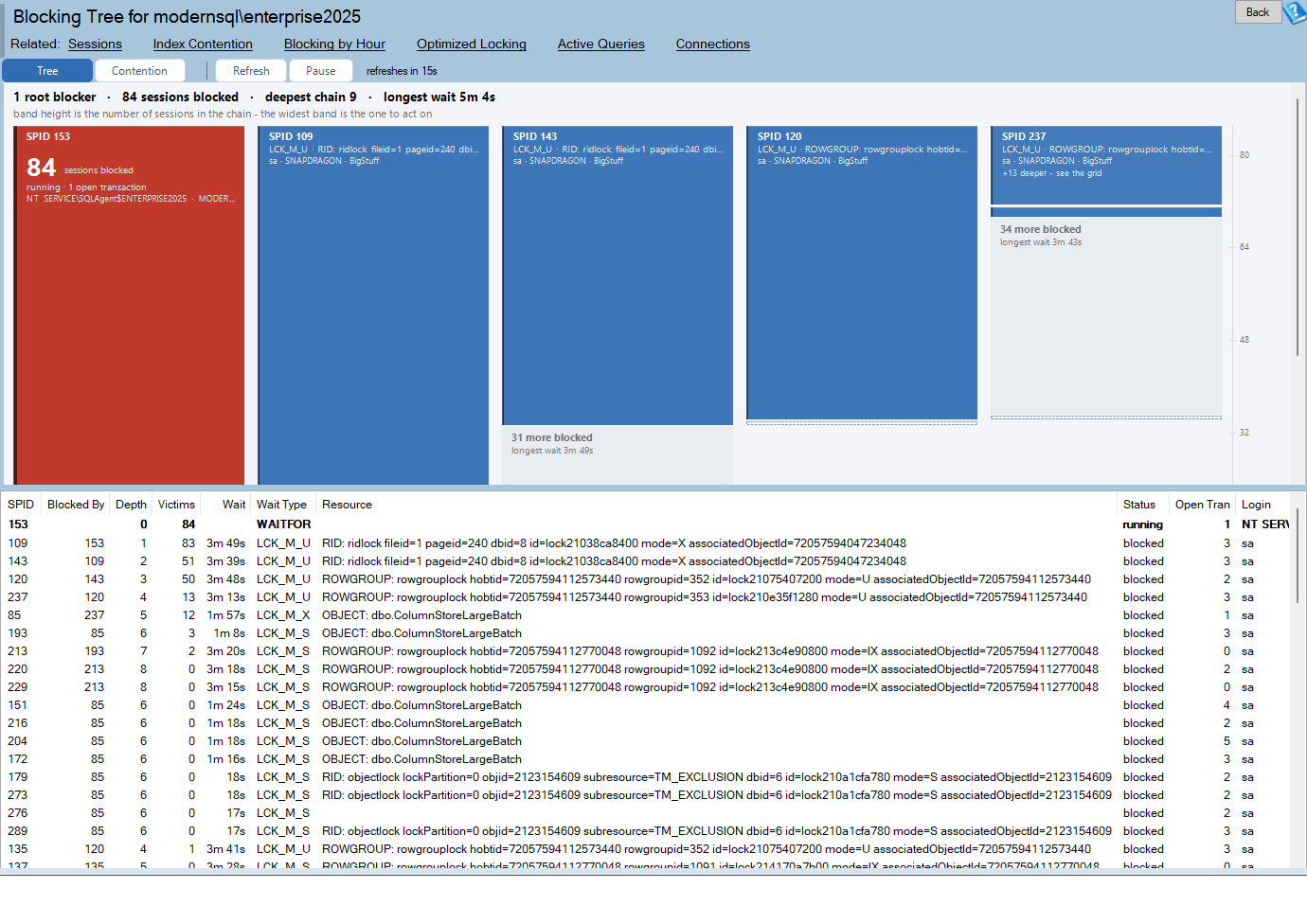
Blocking Tree
Get a clearer picture of blocking relationships and see how blocking is affecting sessions throughout your SQL Server environment.
Recovery Exposure
Understand your potential recovery exposure and get more insight into the recovery characteristics of your databases.
Migration Planner
Gather information that can help when planning a SQL Server migration and identify areas that may need attention before moving a database or server.
Security Posture
Get a broader view of SQL Server security configuration and identify areas that may warrant further investigation.
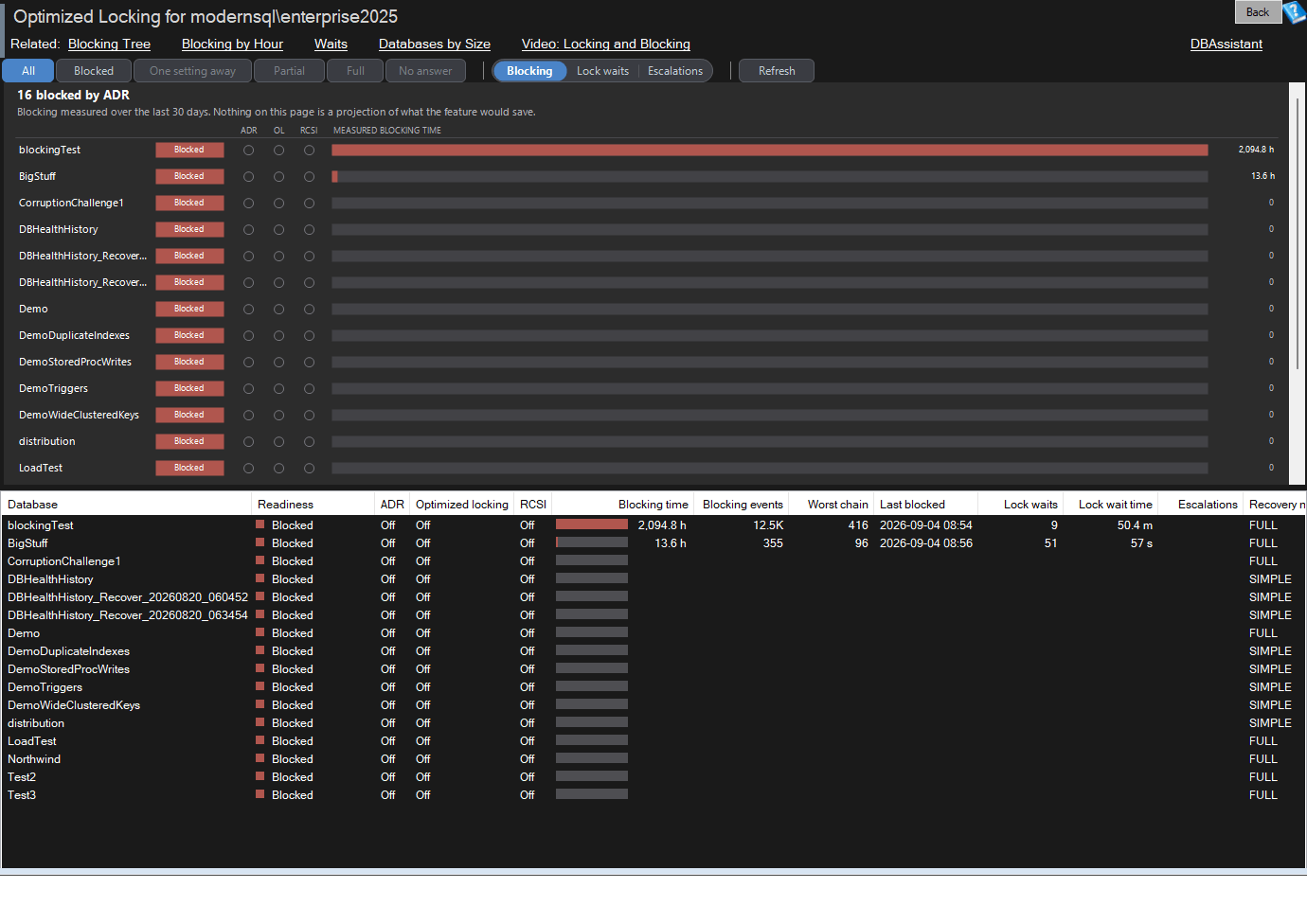
Optimized Locking
Monitor and understand SQL Server’s optimized locking capabilities and how they are being used.
TempDB Metadata Contention
Identify potential TempDB metadata contention and gain additional insight into TempDB-related performance problems.
Table Space Breakdown
See where space is being used within your databases and get a more detailed understanding of table storage.
These are just some of the new capabilities included in Version 4.
Performance Improvements
We’ve also spent considerable time improving the performance of Database Health Monitor itself.
More work has been moved into background processing, allowing the application to remain responsive while gathering and processing information.
One example is Schema Search, which is now approximately three-and-a-half times faster than it was previously.
Version 4 also continues to be automatically tested across every supported version of SQL Server, from SQL Server 2008 through SQL Server 2025.
Easier Server Management
Version 4 makes it easier to move Database Health Monitor between computers.
Registered servers can now be exported and imported, making it much easier to transfer your monitored server configuration when replacing a workstation or moving to a new computer.
Existing Version 3 users can also upgrade to Version 4 while retaining their registered servers, settings, and DBHealthHistory data.
Azure SQL Health Monitor
Version 4 also introduces Azure SQL Health Monitor, a separate product designed specifically for Azure SQL Database.
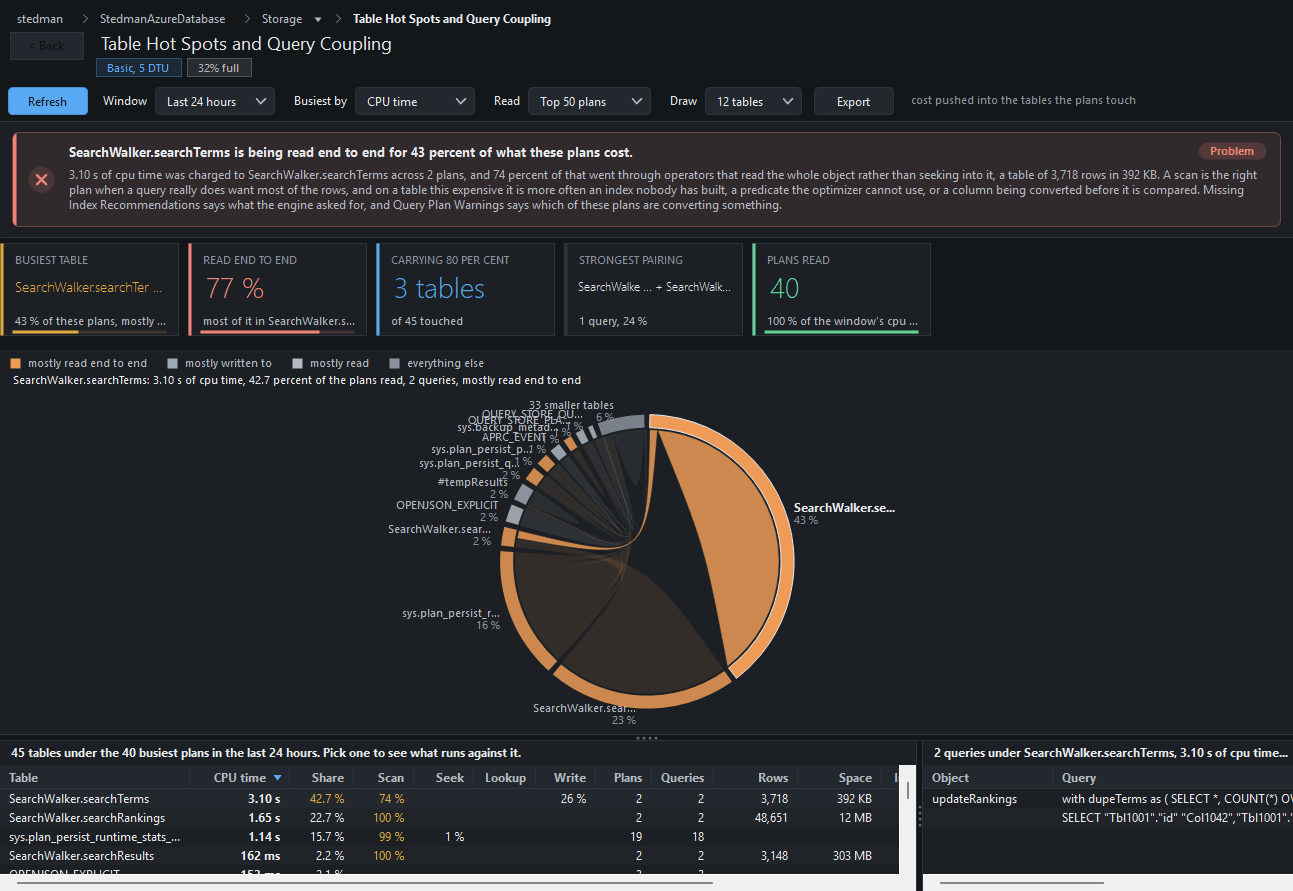
Azure SQL Health Monitor includes 63 reports focused on the areas that are particularly important when working with Azure SQL Database, including:
- Query Store analysis
- Resource limits
- Throttling
- Query and plan regressions
- Memory grants
- TempDB spills
- Read amplification
- Cardinality-estimation accuracy
Azure SQL Health Monitor does not require you to install anything on your Azure resources or create additional Azure infrastructure.
One license covers both Database Health Monitor and Azure SQL Health Monitor.
Extended Free Trial
To celebrate the release of Version 4, we’ve also extended the free trial period.
All new users can use Database Health Monitor Version 4 free through October 31, 2026.
We’ve also extended the trial for users who have previously used and completed their Database Health Monitor free trial.
If you tried Database Health Monitor in the past, this is a great opportunity to come back and see what’s changed.
Find Out More With Our Podcast On Database Health Monitor V4
Give Version 4 a Try
Version 4 has been a major project for us, and we’re excited to finally make it available to everyone.
Whether you’re managing a single SQL Server or a larger environment, we built Version 4 to provide a clearer picture of what’s happening across your SQL Server environment and make it easier to find the issues that deserve attention.
Download Database Health Monitor Version 4 and give it a try today.
Download Database Health Monitor
We’d love to hear what you think about Version 4. If you find something you like, something that could be improved, or have an idea for something you’d like to see in a future version, let us know.